Emergency Plumbing Answering Service for Urgent Calls
Our emergency plumbing answering service gathers the problem details and routes urgent calls using your on-call rules. Try a burst pipe scenario in the browser demo to hear the intake before you set up your own coverage.
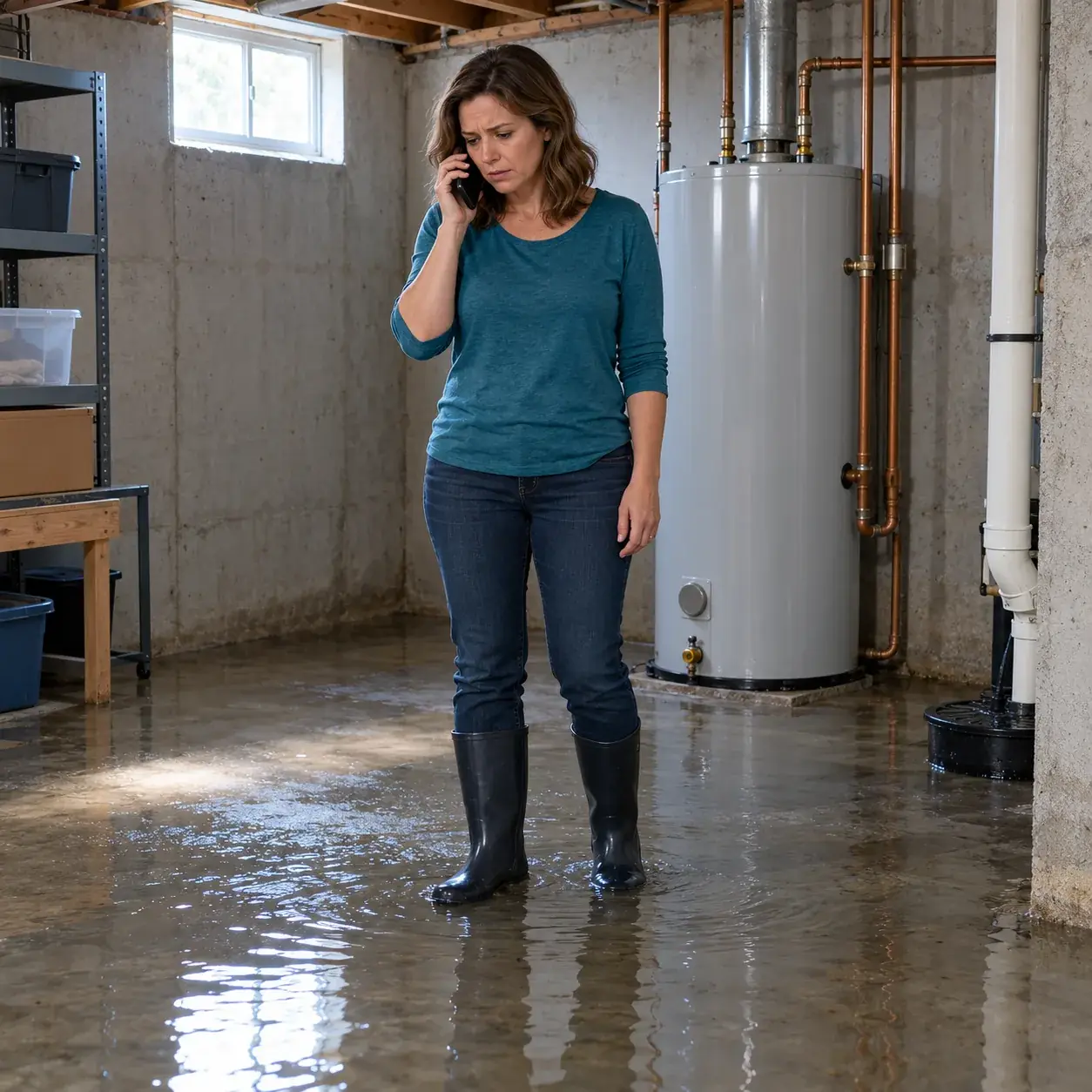
Separate urgent plumbing requests from routine messages
Your receptionist asks about the plumbing problem, flags urgency and follows the response rules you set. That gives your on-call person context before deciding how to handle the request.
- Burst pipesGather the caller's description of the leak and flag urgency using your rules.
- Sewer backupsTake the service address and problem details for your on-call person's response.
- Water heater leaksAsk intake questions and route the request according to your urgent-call policy.
Keep reading
Your receptionist handles the first conversation when a forwarded call reaches it. It answers as your business, asks what is happening and collects the details your shop needs to respond. A caller describing a burst pipe needs a different next step from someone requesting a tankless installation estimate.
We use your definition of an urgent call to guide that next step. The receptionist can warm transfer the caller or page your on-call person in the order you choose. Routine requests can become complete messages for a callback during your business hours.
Hear the intake before accepting an urgent transfer
The call starts with virtual-assistant and recording notices, followed by intake questions. For an urgent transfer, your on-call person hears a short summary before pressing 1 to accept.
- Clear openingTell the caller they reached a virtual assistant and the call is recorded.
- Useful intakeCollect the problem, location and callback details before following your escalation order.
- Warm handoffGive your on-call person a short summary before they accept the transfer.
Keep reading
After the opening notices, a weekend sewer backup call moves to a direct question about the problem. Your receptionist gathers the caller's information, applies your urgency rules and follows the contact order you supplied. Your on-call person can hear why the caller needs help before taking the conversation.
You also receive an email and app push notification with the call summary, urgency tag, transcript and recording. These details let you review the caller's own description when you arrange the response. The dashboard keeps the call available alongside your other messages and settings.
Set your urgent-call rules and on-call order
You choose what counts as urgent, who receives those calls and which contact comes next. Your service area, hours and fee policy also guide the receptionist's answers.
- Urgency rulesDescribe which plumbing problems should reach your on-call person during closed hours.
- Contact orderSet the sequence for urgent transfers or pages to your chosen contacts.
- Fee policySupply your after-hours wording so callers hear the charges your shop has set.
Keep reading
During onboarding, tell the AI which services you provide, where you work and how urgent calls should be handled. Include the difference between a request you will consider overnight and one you want saved for an office callback. Your website and onboarding answers supply the business details.
Choose whether to forward all business calls or only after-hours, busy or unanswered calls. We provide a forwarding guide and a test call before you go live. When your on-call arrangement changes, update your settings by telling the AI in plain words.
Safety scripts come before plumbing intake
Gas smells, CO alarms, sparks, burning smells, flooding near electricity: evacuate everyone; call 911 or the utility outside. Fire: evacuate everyone first; call 911 outside. Medical emergencies or anyone in danger: hang up; call 911 right now. We alert you.
- Hazard responseDirect callers toward safety and emergency help before continuing with your plumbing request.
- Safe shut-off wordingMention water shut-off only with the condition that it is safe.
- No repair instructionsGather information for your response without walking the caller through plumbing repairs.
Keep reading
The receptionist is not an emergency service and cannot assess conditions at the property. A gas smell or flooding near electricity calls for the safety script, with 911 or the utility first. Your business is alerted after that direction is given.
Water shut-off guidance carries the condition "if it is safe to do so." The AI does not give repair instructions or promise that a plumber is on the way. Your team decides the actual response. Review the urgent plumbing intake checklist when preparing the information your shop needs from a caller.
Try a burst pipe call in the browser demo
Use the fictional demo business to describe a burst pipe at night or a weekend sewer backup. Listen for intake questions, safety wording and the handling of after-hours fees.
- Nighttime leakDescribe a burst pipe and hear which details the virtual assistant asks for.
- Weekend backupTry the sewer backup scenario and assess the clarity of the intake.
- Fee questionAsk about after-hours charges and listen for the fictional business's stated policy.
Keep reading
Open the burst pipe demo without signing up and speak as a caller to the fictional plumbing business. Describe the situation in your own words. Ask a follow-up question about the after-hours fee and listen for a clear response based on that demo business's policy.
Use the conversation to decide what your own receptionist should ask before involving you. Then request a free trial; we email your sign-in link when the trial is ready so you can provide your service area, urgent-call definition and on-call order. Your test call checks those business settings before your number starts forwarding live calls.
Common questions
Can it tell a burst pipe from a dripping faucet?
Your receptionist asks intake questions and uses the caller's description with your urgency rules. You can define how your shop handles a burst pipe versus a dripping faucet. It flags urgency and routes the request; your team assesses the plumbing problem and decides the response.
Can it tell callers how to shut off the water?
Water shut-off guidance applies only if it is safe to do so. No repair instructions. Gas smells, CO alarms, sparks or burning smells, or flooding near electricity: get everyone out; call 911 or the utility from outside. Fire: get everyone out first, then call 911 from outside. Medical emergencies or anyone in danger: hang up; call 911 right now. It then alerts you.
Can it transfer urgent calls to my on-call plumber?
You can set urgent calls to warm transfer to your on-call person or page them in your chosen order. During a warm transfer, that person hears a short summary and presses 1 to accept. You supply the urgency criteria and contact sequence during setup.
Does it tell callers my after-hours fee?
Your receptionist states after-hours or emergency fees only as your shop has set them. Supply that policy during onboarding so the AI has the wording to use. If your business does not quote a job price on the phone, include that instruction with your fee policy.
How will I receive urgent call messages?
You receive an email and app push notification for each call, including its summary, urgency tag, transcript and recording. Urgent calls also follow your transfer or paging instructions. The dashboard lets you review the conversation, and a daily digest email brings your call information together.
Hear an urgent plumbing call for yourself
Try the browser demo with a nighttime leak, then request a free trial to set your business's urgency rules and on-call order; we email your sign-in link when ready.
Try the burst-pipe call Try it free
Free trial: 14 days, up to 100 minutes (on request)