Skip to content

AI answering for plumbing calls, day and night

Customer login
Plumbing Answering AITry it free

Plumbing Answering Service for Busy Crews

Our plumbing answering service answers as your business, takes job details and books appointments. Try an after-hours leak in the browser demo to hear how your receptionist handles the call and see your summary.

After-hours leak? Your receptionist takes the details, routes urgent calls and books appointments.

Try an after-hours call

Try it freeFree trial: 14 days, up to 100 minutes (on request)

PrivacySecurity

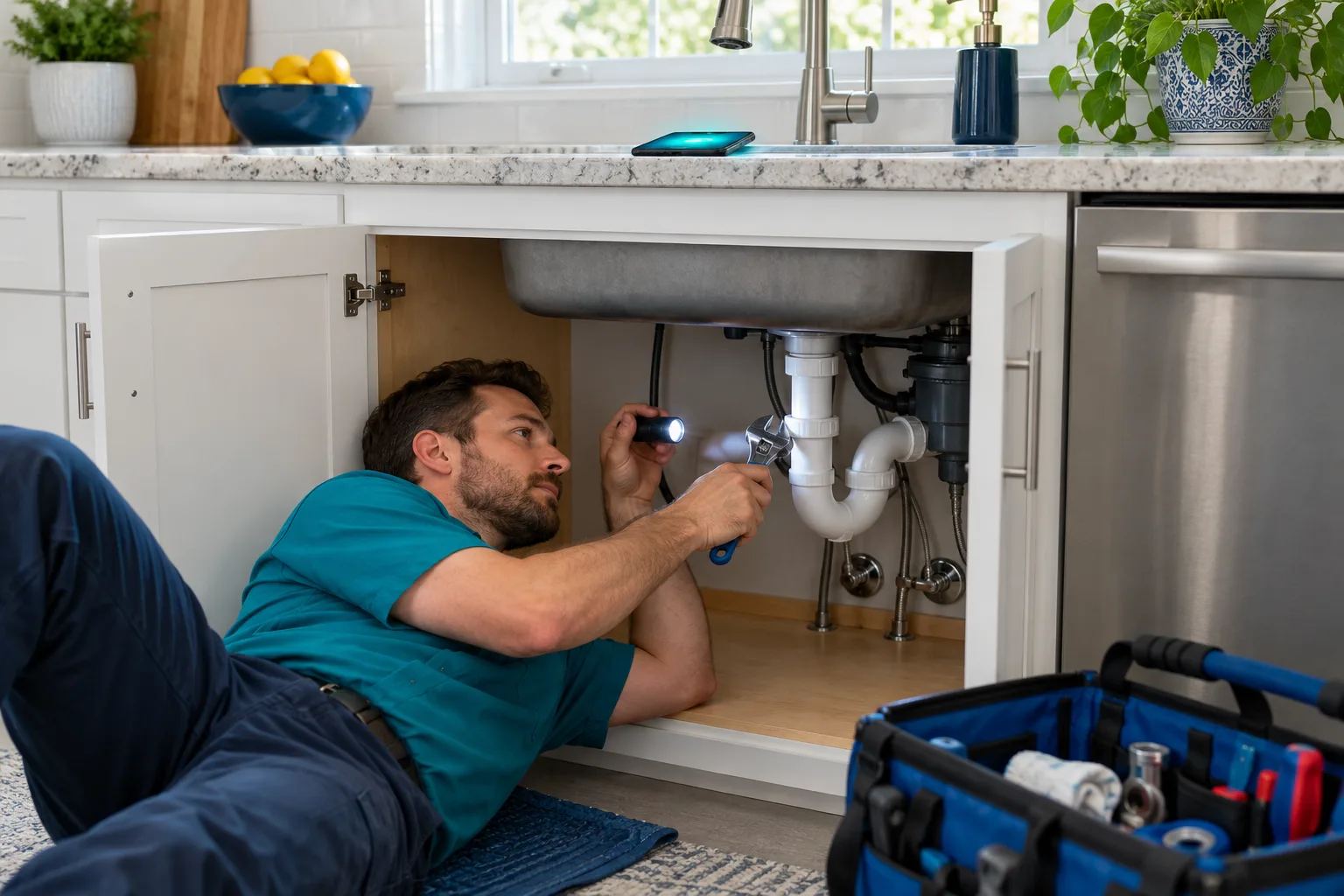
A plumber lies under a kitchen sink with a flashlight fixing a pipe
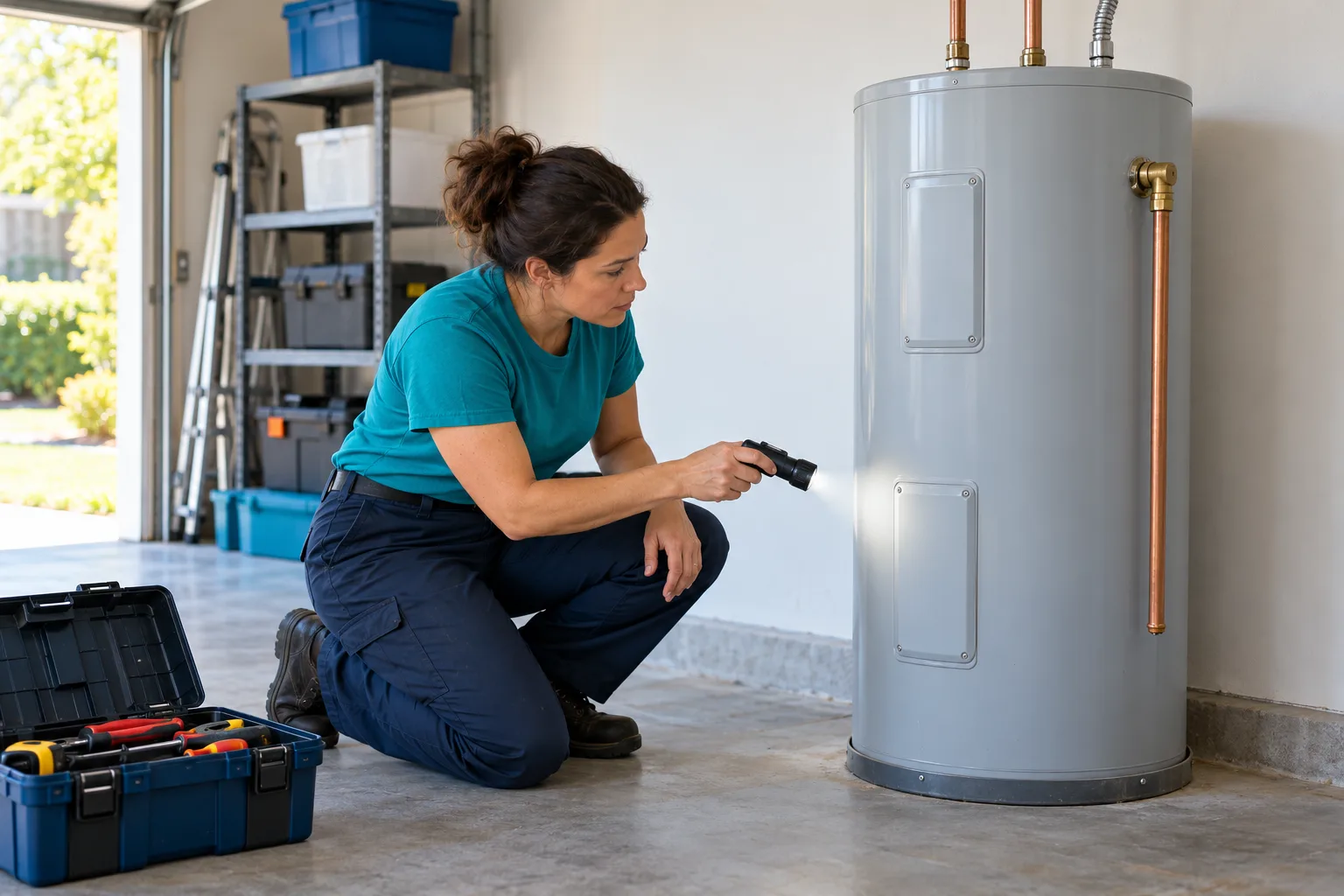
A plumber checks a water heater in a garage with a flashlight, a toolbox at her feet

Calls Arrive While You Are Working, Driving or Closed

A missed call can mean a job you never get to discuss. Your receptionist answers forwarded calls during busy workdays, lunch breaks and overnight, collecting the details you need to respond.

  • Hands occupiedCollect the next caller's details while you finish the current repair.
  • Shop closedGive nighttime callers a place to explain the problem and location.
  • Callback readyRead the request before deciding who should return the call.
Keep reading

You cannot pause a water heater replacement whenever the phone rings. A caller with a leak still needs a way to explain what is happening and leave a reachable number.

An answering service for plumbing companies gives those forwarded calls a conversation: the problem, the address, the urgency and the next step your shop permits. Choose coverage for unanswered calls, busy periods, after hours or all calls.

A captured request still needs your team's response when a callback is the next step. Decide who will check messages during the day and who will receive urgent requests overnight, then test that route before using it with customers.

Collect the Problem, Location and Urgency

Your receptionist asks plumbing intake questions, flags urgency using your definitions and records the request. You receive the summary, urgency tag, transcript and recording by email and app push notification.

  • Useful intakeGather the plumbing problem, service address and caller's callback details.
  • Urgent routingFollow your contact order for a warm transfer or page.
  • Clear handoffGive your crew a summary with the transcript and recording.
Sample dashboard with invented calls
Keep reading

A plumber answering service should leave you enough context to decide what comes next. A burst pipe, a dripping faucet and a tankless installation estimate need different questions and routing rules.

You teach your receptionist which services you offer, where you work and what your shop considers urgent. It can book into Google Calendar or gather details for your callback. An urgent warm transfer gives your on-call person a short summary before they press 1 to accept.

For gas smells or flooding near electricity, the safety script tells callers to get everyone out and call 911 or the utility from outside, then alerts you. The receptionist does not give repair instructions.

Try Plumbing Calls and Listen for the Handoff

The browser demo lets you test fictional plumbing calls before signing up. Listen for the virtual-assistant and recording notices, the questions asked and the next step offered under the demo shop's rules.

Demo business (fictional): Cedar Ridge Plumbing

Pick a scenario, then press Talk now.

SampleUrgent2:07 a.m.

Incoming call for Cedar Ridge Plumbing

Burst pipe at night.

Warm transfer to the on-call person, who hears a short summary and presses 1 to accept.

Transcript excerpt (example)

  1. Assistant Thank you for calling Cedar Ridge Plumbing. I am a virtual assistant, and this call is recorded. How can I help you?
  2. Caller Explains what is going on: burst pipe at night.
  3. Assistant Is anyone in danger right now? I am connecting the on-call person now.

The whole transcript and the recording are in the dashboard.
This is an example of what the owner gets after a call like this.

  • Burst pipeListen for urgent intake and the route to an on-call contact.
  • Quote requestAsk about drain pricing and hear the demo shop's no-quote policy.
  • Spanish callerSwitch languages during the call and follow the same intake conversation.
Keep reading

Try the demo below as a caller with a leaking water heater, a weekend sewer backup or a question about an after-hours fee. These are fictional scenarios for a demo business, so use made-up names and addresses.

Listen for whether the receptionist asks enough to understand the request, stays within the shop's pricing policy and explains the next step. Then inspect the summary and urgency tag from the owner's side.

The demo also includes a tankless installation estimate and a Spanish-speaking caller. You can explore more than one kind of request in the plumbing call demo before deciding which rules your own business needs.

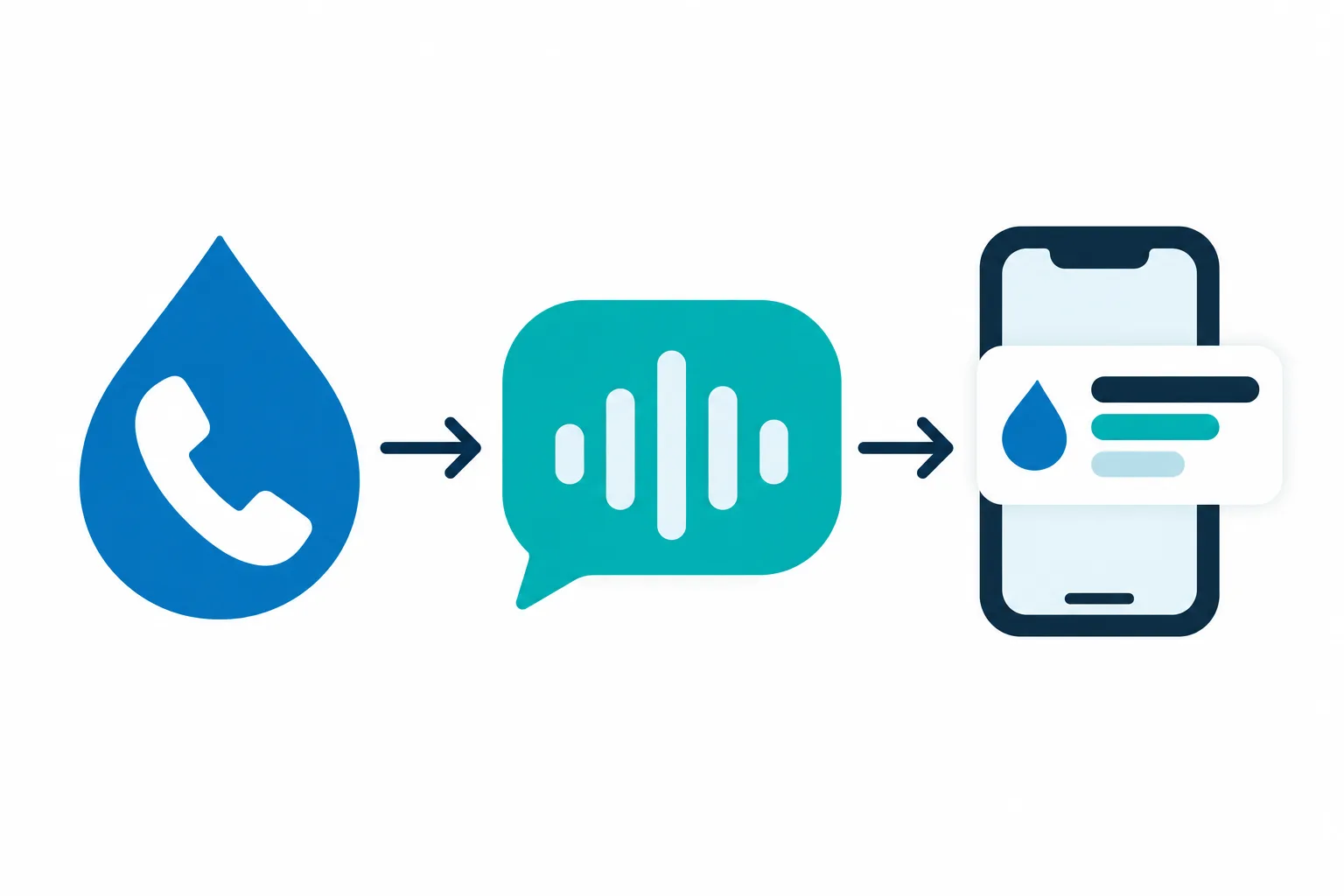
Illustration: a water drop with a phone handset, an AI sound-wave bubble, then a plumber's phone with a notification card of simple lines

Forward Calls, Answer as Your Business, Get the Details

Keep your business number and forward the calls you want covered. Your AI receptionist answers as your business, follows your intake rules and sends call details to your email and app.

  • Choose coverageForward all calls or only busy, unanswered or after-hours calls.
  • Set your rulesTeach services, hours, service area and the urgent contact order.
  • Receive resultsCheck call summaries, appointment details and your daily digest email.
Keep reading

Your plumbing phone answering service starts with the information you supply in onboarding and on your website. The AI asks about your business, including services you do not offer, price policy and who should receive urgent calls.

We provide a local number in your area code and a forwarding guide for your carrier or phone system. Make a test call before sending customer calls through.

Once forwarding is active, your receptionist answers day and night. It identifies itself as a virtual assistant and announces recording at the start of the call. Review calls, transcripts, recordings and usage in the dashboard, and change settings by telling the AI in plain words.

Compare AI Answering, Live Staff and Voicemail

AI answering collects details using your rules; live staff bring human judgment to the conversation. Voicemail takes a recorded message. Compare the handoff each option gives your crew when a caller needs help.

  • AI receptionistAsk intake questions, book appointments and route urgency under your rules.
  • Live staffPut a person in the conversation when human judgment matters most.
  • VoicemailOffer recorded messages when your team can manage callbacks without intake questions.
Keep reading

Choose AI answering when you want the call to follow the services, scheduling policy and urgency rules you set. Our receptionist can gather intake details, but it can make mistakes, so review summaries and keep a backup way to reach your team.

Live staff offer a human conversation and judgment when the caller's request falls outside a prepared process. Ask any service how its staff handle plumbing emergencies and when they contact you.

Voicemail gives callers a place to leave a message without a receptionist asking follow-up questions. Consider whether your team has enough time to gather missing details later, especially when several requests arrive while everyone is on jobs.

Compare Call Costs and See Our Monthly Plan

Our plan is $249 per month with 500 AI minutes included and $0.20 per extra minute. To compare the cost of one call, consider its duration and the follow-up work each option leaves.

  • AI usageCompare included minutes and extra-minute charges against your expected call length.
  • Staff timeCount time spent answering, writing details and handing off the request.
  • Voicemail callbacksInclude the time your team spends returning messages and asking questions.

The plan

$249 per month

  • 500 AI minutes included
  • Extra minutes cost $0.20 each
  • Free trial: 14 days, up to 100 minutes (on request)
  • Billed month to month, cancel online

Case-study price: $199 per month, locked for 12 months, for 10 businesses that agree to a short case study about their results.

Try it free

Add-on services

  • Website chatAdd-on
  • Lead follow-up callsAdd-on
Keep reading

A call's cost depends on how it is handled and what remains for your team afterward. With our plan, the monthly subscription includes 500 AI minutes, and additional minutes cost $0.20 each.

For a live service, ask for a quote using the same call volume and typical duration you expect here. For an employee, include the time spent answering and recording details. With voicemail, count the callback and any extra attempts needed to reach the caller.

Compare useful outcomes too: a complete message, a booked appointment or an urgent handoff. Read the plan and trial details to see the allowance, billing terms and what happens when your included minutes are used.

Use Call Summaries Alongside Your Existing Software

You can enter call summaries into the software your shop uses today. Direct software connections are not live at launch; appointment booking into Google Calendar is available, alongside intake for your callback.

  • Keep your workflowEnter the caller's summary into your existing job management software.
  • Review the detailCheck transcripts and recordings when a message needs more context.
  • Book appointmentsPut appointments into Google Calendar or collect details for a callback.
Keep reading

Your receptionist sends the information your team needs to enter a request in its existing system. If you use ServiceTitan, Housecall Pro, Jobber, Workiz or FieldPulse, a team member still enters those details there.

Choose who will review each request and what they need before creating a job. The summary provides a starting point, while the transcript and recording let that person check the caller's own explanation.

Direct connections are planned according to demand. For today's workflow, decide whether the receptionist should book into Google Calendar or take a message so your dispatcher can arrange the job in your usual software.

Set Your Rules and Test Before Customer Calls

Setup uses an onboarding chat and your website to teach the receptionist your business. Confirm your service boundaries, pricing policy and urgent contacts, then make a test call before forwarding customer calls.

  • Describe your shopAnswer onboarding questions about services, coverage, hours and price policy.
  • Choose urgent contactsSet who receives urgent calls and in what order.
  • Test the routeCall with a plumbing scenario and check the resulting message.
Keep reading

Start with the services you take, the areas you cover and your office hours. The onboarding chat asks 10 to 15 questions and uses your website to learn the business. Check that the information reflects how you operate now.

Set a clear rule for after-hours fees and for requests you do not quote over the phone. Add the on-call contact order and choose a warm transfer or page for urgent calls.

Test a routine booking request and an urgent scenario before going live. Read the resulting summaries and check the handoff. You can update settings in plain words when a policy, service area or contact changes.

Ask About Urgent Calls, Notices and the Full Handoff

Ask any answering service to demonstrate an urgent plumbing call and show what your team receives afterward. Check the greeting, fee policy, transfer process and billing terms before choosing coverage for your shop.

  • Hear the greetingCheck how the service identifies itself and announces call recording.
  • Test the escalationAsk who gets contacted and what happens at the handoff.
  • Inspect the messageLook for the problem, location, callback details and urgency.
Keep reading

Use the same realistic request when evaluating each option: water coming through a ceiling after hours, with a caller asking what a visit will cost. Ask the provider to explain how it uses your fee policy and reaches your on-call person.

For our service, review the virtual-assistant and recording notices, which stay in the greeting. Listen to the summary your contact hears before accepting an urgent warm transfer.

Ask what the subscription includes, how usage is billed and how cancellation works. Try a request outside your service area too. A useful evaluation shows how the service handles your boundaries as well as your usual jobs.

Common questions

Will callers know they are speaking to an AI receptionist?

Yes. Your receptionist says it is a virtual assistant and tells the caller the call is recorded at the start of the conversation. Those notices cannot be switched off. You can hear the greeting and try the intake questions yourself in the browser demo.

Can I keep my current plumbing business phone number?

Yes. Keep your existing number and forward the calls you want your receptionist to handle. Choose all calls or only unanswered, busy or after-hours calls. We provide a local number, a forwarding guide for your carrier or phone system and a test call before you go live.

Can it tell a burst pipe from a dripping faucet?

It asks plumbing intake questions and flags urgency according to the definitions you set. Teach it which reported problems should reach your on-call person and which should become routine messages. The AI can make mistakes, so review the summaries and keep a backup way to reach your team.

Can it tell callers how to shut off their water?

Shut-off guidance is limited to situations where it is safe to do so, with no repair instructions. For flooding near electricity or a gas smell, the safety script tells callers to get everyone out and call 911 or the utility from outside, then alerts you. It is not an emergency service.

Does it tell callers my after-hours fee?

It uses the after-hours or emergency fee policy you give it during setup. If your shop does not quote over the phone, set that policy for the receptionist to follow. Test a fee question before going live so you can hear how your business's policy is explained.

Can it book drain and water heater appointments?

Yes. Your receptionist can book appointments into Google Calendar for the services you offer, including drain and water heater work. If your dispatcher should arrange the job instead, it can collect the request for your callback. You set the services, service area and booking approach during onboarding.

How do I receive messages and urgent plumbing calls?

You get an email and app push notification for each call, with a summary, urgency tag, transcript and recording, plus a daily digest email. Urgent requests follow your chosen contact order through a warm transfer or page. During a warm transfer, your contact hears a summary before accepting.

Does the receptionist speak Spanish?

Yes. Your receptionist speaks English and Spanish, and callers can switch languages during a call. It uses the same business knowledge and rules for either language. Try the fictional Spanish-speaking caller scenario in the demo to hear the conversation and inspect the details gathered for the owner.

Hear an After-Hours Plumbing Call in the Demo

Try a fictional burst pipe call in the browser demo, then review the summary. Request a free trial to set your service area, booking times and urgent call rules; we email your sign-in link when ready.

Try the burst-pipe call Try it free

Free trial: 14 days, up to 100 minutes (on request)